Adobe Photoshop 7.0
Adobe Photoshop 7.0 is one of innovative photo-editing apps on a professional level
Safe & Secure
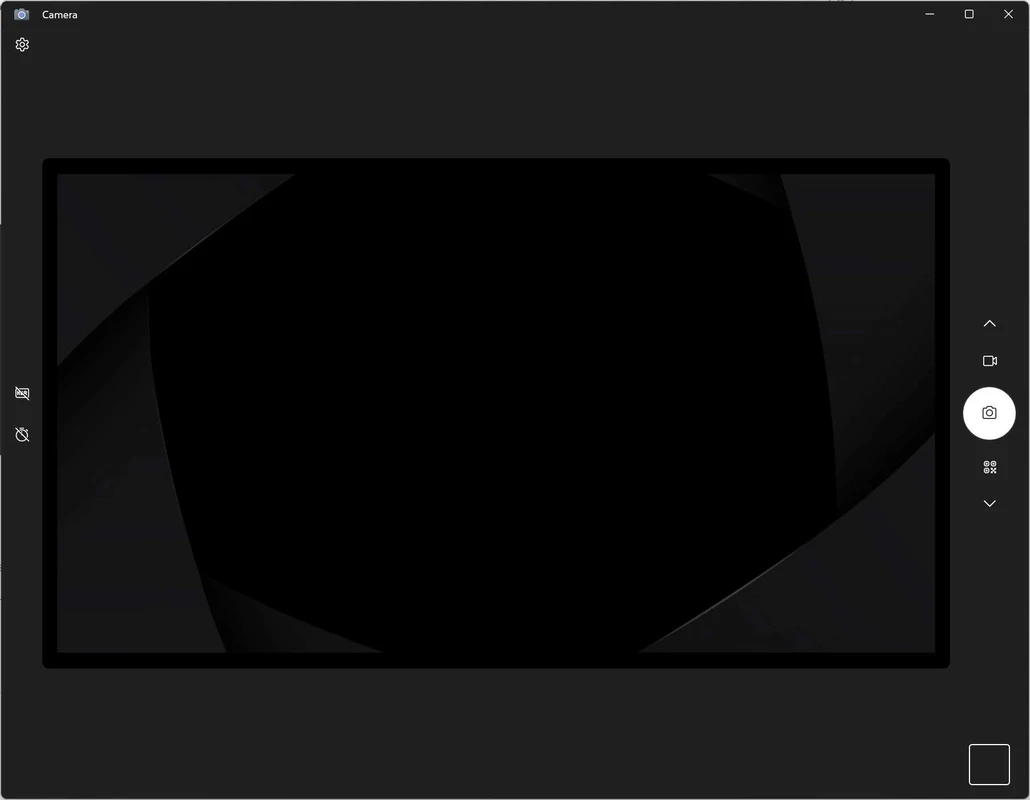
Windows Camera is the official multimedia application and is also used as an extension of Google Chrome. The free-to-use program allows users to snap pictures or even record videos right from their desktop computers, working similarly to the built-in camera in Windows.
The app with a simple and intuitive interface helps you to point and shoot whatever you desire. However, the app with limited functionality doesn’t capable of using the mirror effect while recording a video. For this purpose, you can use alternative utilities such as ManyCam, iVCam, and so on.
Windows Camera is the official photo and video capturing application developed by Microsoft, specifically for Windows 10 and Windows 11. It was primarily released for Windows Mobile in 2000, and later, in 2012, the Windows PC version was launched.
You can use the app in different scenarios, such as capturing photos, recording videos, and even scanning QR codes, barcodes, documents, and whiteboards as well. It offers all basic functionalities, including zooming, rotating, cropping, filtering, and so on.
It is a built-in application that comes pre-installed in supported Windows operating systems, and if you don’t find it on your device, you can download it from the Microsoft Store for free. It offers quick photo-taking capability, similar to clicking the Shutter button, pressing the Spacebar, or any of the Enter keys. The built-in High Dynamic Range (HDR) is available for taking good shots, even if you have to face high-contrast situations. You can also access other specific photography features, such as brightness settings, while turning on/off the Pro Mode. In addition, you can set the aspect ratio, screen resolution, and also arrange your subjects with a variety of imaginary grid lines.
The streamlined user interface offers quick navigation through all basic tools related to photo and video capturing functionality. The center of the interface works as a full-screen video feed, and all main configuration icons are housed on the borders that you can use to switch recording modes, activate advanced features, and so on. You can access the photo and video gallery of your PC from the bottom of the app’s screen.
As we aforementioned, the app comes pre-installed on Windows operating systems, and if you like, you can use it as an extension, downloading it from the Google Chrome extension store. You need only to click the “Install” button, and it will automatically save to your extensions library. However, you need to check security settings before starting the installation. After installation, launch it, and allow Chrome to access your webcam, and it will start for both built-in cameras and plugins as well.
The app offers enhanced professional-grade features for the ease of users to manage their photos and videos, such as you will find innovative effects and filters, including blur, grayscale, sepia, hue adjustments, and so on. It will help you to improve selfies and recording quality right from the browser. The support for languages and operating systems enables users to work across Chrome on Windows, macOS, and Linux. In addition, the AI-powered capabilities enhance the performance of video calls and recordings.
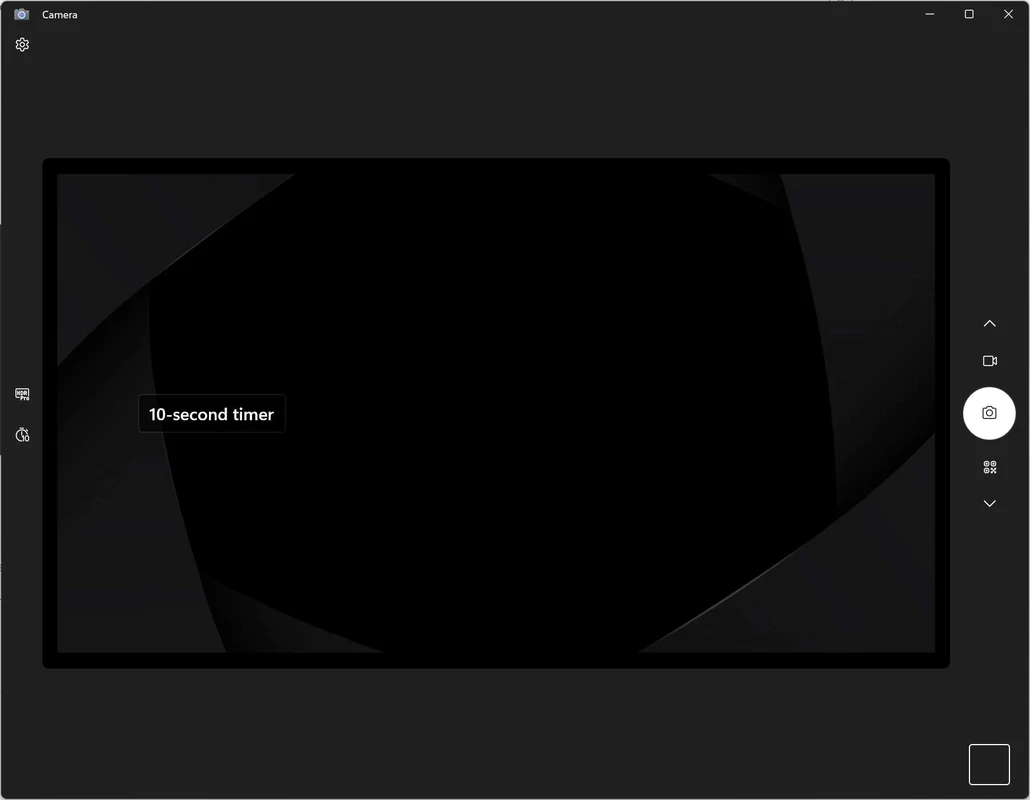
It is another significant feature, allowing users to flip the screen of their snapped images. It is also possible to get a better angle for your pictures or recordings while applying a grid to your camera. It offers multiple options for the purpose, including 3x3, 4x4, Golden Ratio, and so on. Moreover, a Timer is also available to set before taking a snapshot, such as 3, 4, 5, or 10 seconds.
You will find multiple basic editing features such as zoom, rotation, cropping, filters, and deletion of media. It helps to switch between multiple connected cameras and also modify settings such as photo quality, video resolution, on-screen grids for composition, and so on. You can also use multiple other additional features, including picture-in-picture overlays, stickers, AI-powered background removal, and screen annotation tools. You can also enhance your meetings or tutorials using the innovative functionality.
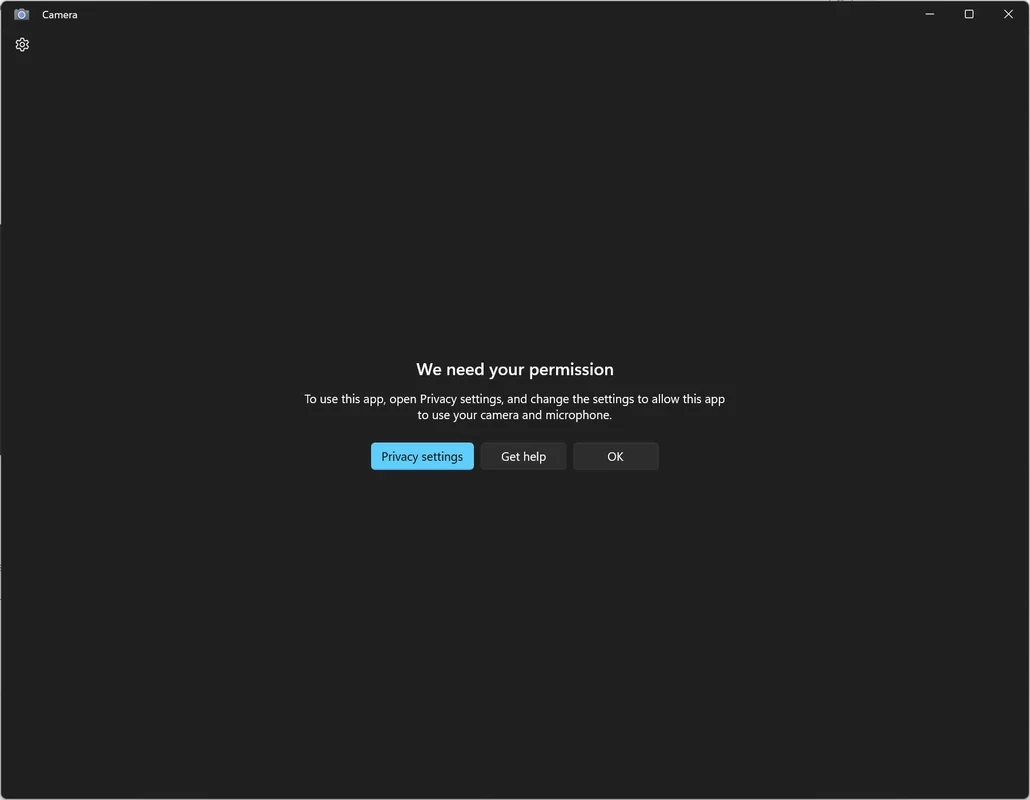
The lightweight utility, while taking less than 50 MB of space on the local storage, offers enhanced functionality. However, it requires some important permissions such as webcam, microphone, location, access to video and photo library, internet connection, and data stored on external storage devices. All the permissions are necessary, as the video recording app requires all of these without affecting your personal data. You can also use multiple advanced features such as video stabilization, sharpening, Whiteboard Mode to improve small details, capable of scanning documents, user-configurable exposure, ISO, and other controls.
Pros
Cons
Adobe Photoshop 7.0 is one of innovative photo-editing apps on a professional level

Adobe Photoshop is designed for editing images, graphical designing, and manipulating digital images.
Stable and enhanced photo editing with Adobe Photoshop CS3

PicWish, edit your photos using AI advanced technology

Adobe PageMaker creating documents via scratching, templates, and images

PixelLab offers the capability of editing your photos on the big screen.